KUKUNOTES FOR WINDOWS
KukuNotes on Windows, from the Microsoft Store.
Your meeting recorder, right on your desktop.
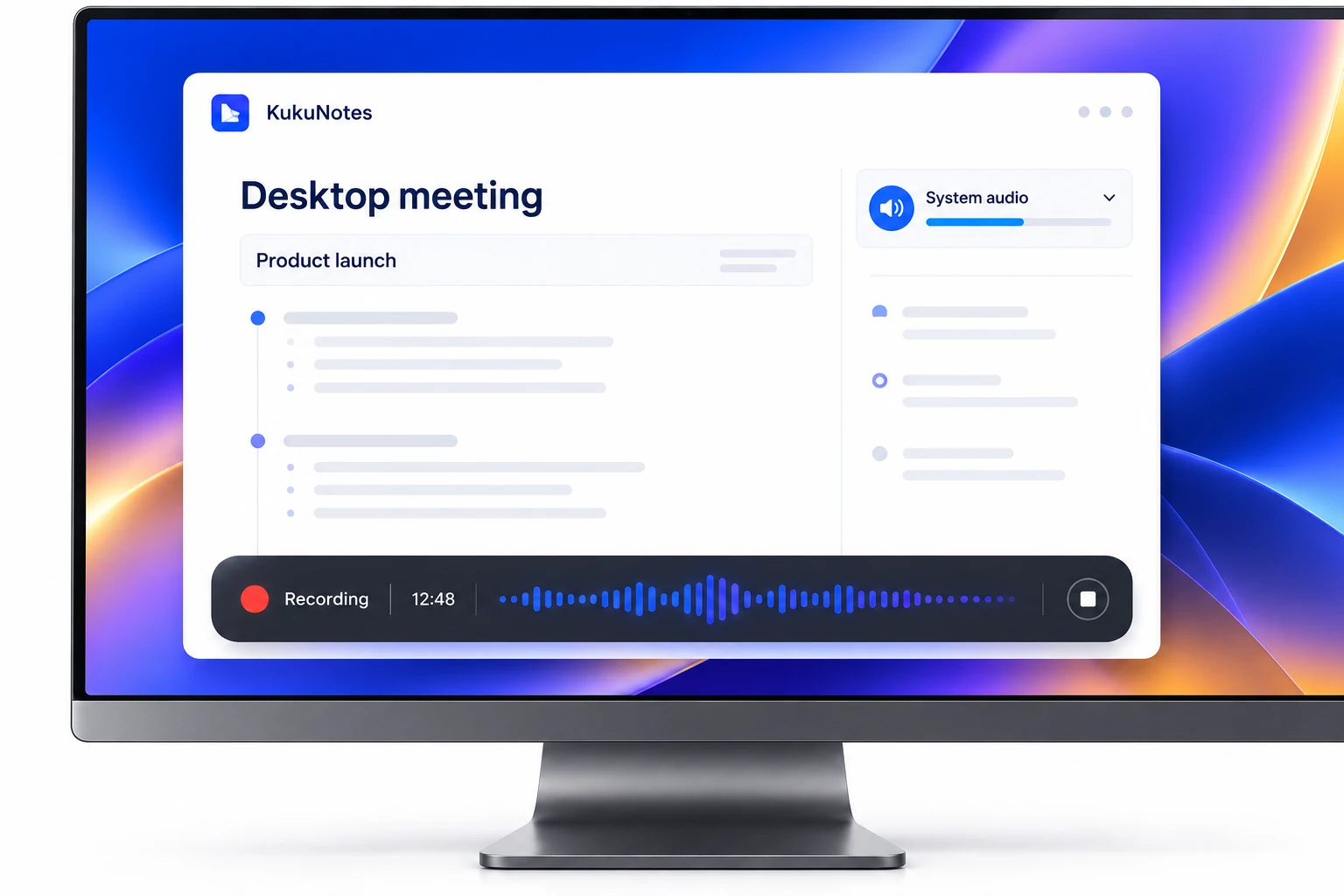
Capture meeting audio through your Windows device. KukuNotes turns the conversation into notes and action items, with no bot joining the call.
Windows 10 / 11 (64-bit) · Microsoft Store
MORE THAN A RECORDING
A desktop meeting. A clear record.
Keep your attention on the discussion. Review the summary and follow-ups afterward, then return to the same project context on your other devices.
See how meeting recording works KukuNotesSample preview
Team check-in
The team agreed to focus the next release on onboarding and review updated designs on Friday.
Prioritize the onboarding flow.
Linked to source · 04:12Explore the tabs · This is a product demonstration
GETTING STARTED
Ready for your next desktop meeting.
- 01
Install from the Store
Get the official KukuNotes app from the Microsoft Store for Windows 10 or 11.
- 02
Choose the context
Open the Space for your meeting, project, or client.
- 03
Start recording
Allow the requested audio permissions when you start listening.
YOUR CONVERSATIONS. YOUR CHOICE.
Recording stays
in your control.
Recording starts when you choose. KukuNotes captures audio through your device and never joins the call as another attendee. Let participants know you are recording.
How recording and privacy workOpt-in capture
No meeting bot
Share selected notes and tasks
The Android app does not record phone or dialer calls.A FEW MORE DETAILS
KukuNotes for Windows,
explained.
Getting started, supported features, and choosing the right app.
Talk to the teamWhere do I download KukuNotes for Windows?
Install KukuNotes for Windows from its official Microsoft Store listing.
Does the Windows app work offline?
You can record offline. When you reconnect, KukuNotes processes the transcript, builds notes and tasks, and syncs to your Spaces.
Is there a Mac app?
macOS is not live yet. Use the web app at platform.kukunotes.com, the Chrome extension for browser meetings, or Windows and Android for native capture.
READY FOR YOUR NEXT CONVERSATION
Get KukuNotes
for Windows.
Start free. Recording limits follow your KukuNotes plan.