LINKED TO THE SOURCE
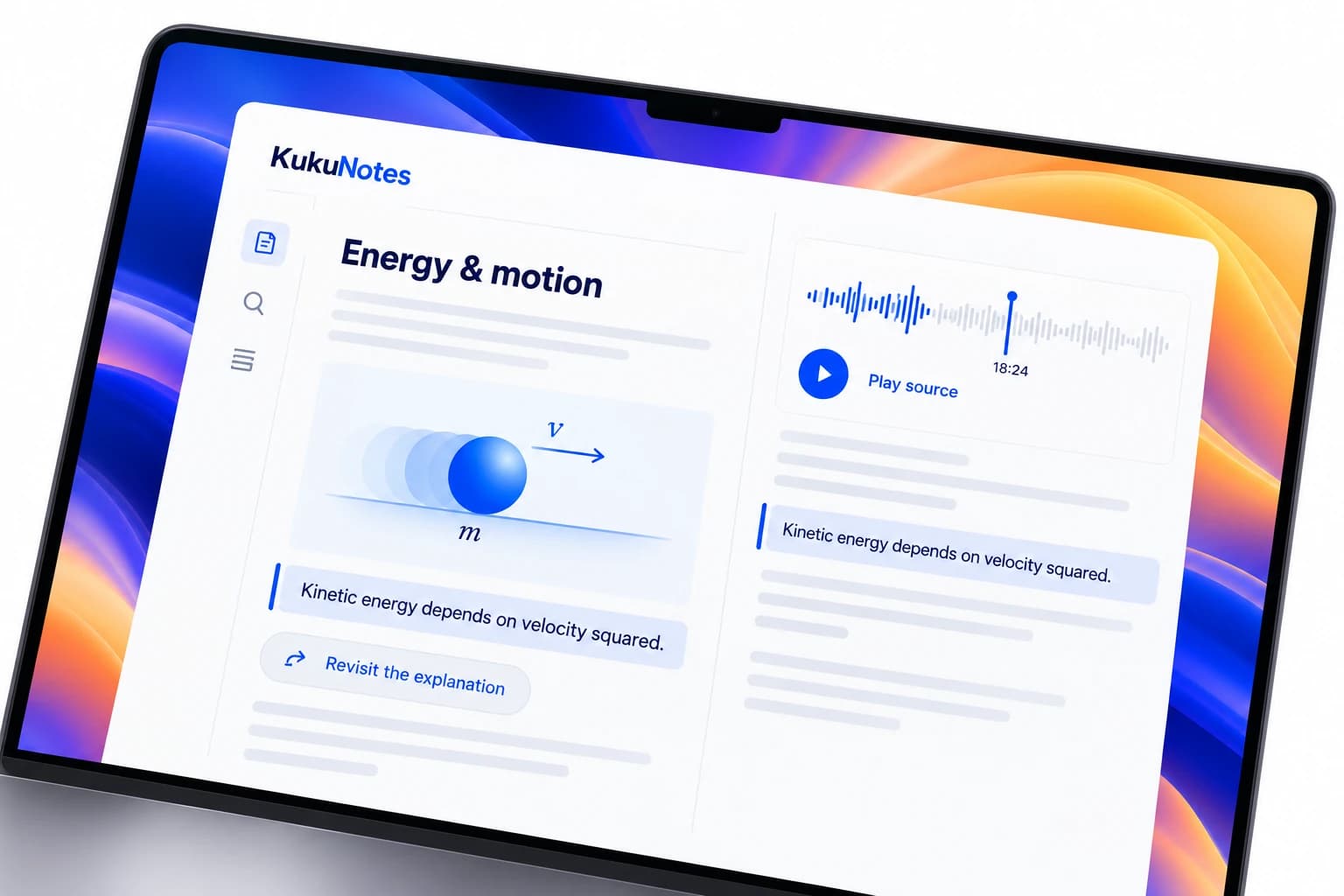
Find the explanation behind the note.
Search past lecture notes or follow a highlight back to the source moment. When a concept needs another pass, you have the context to revisit it.
AI LECTURE NOTES
Follow the explanation. Return to the details.
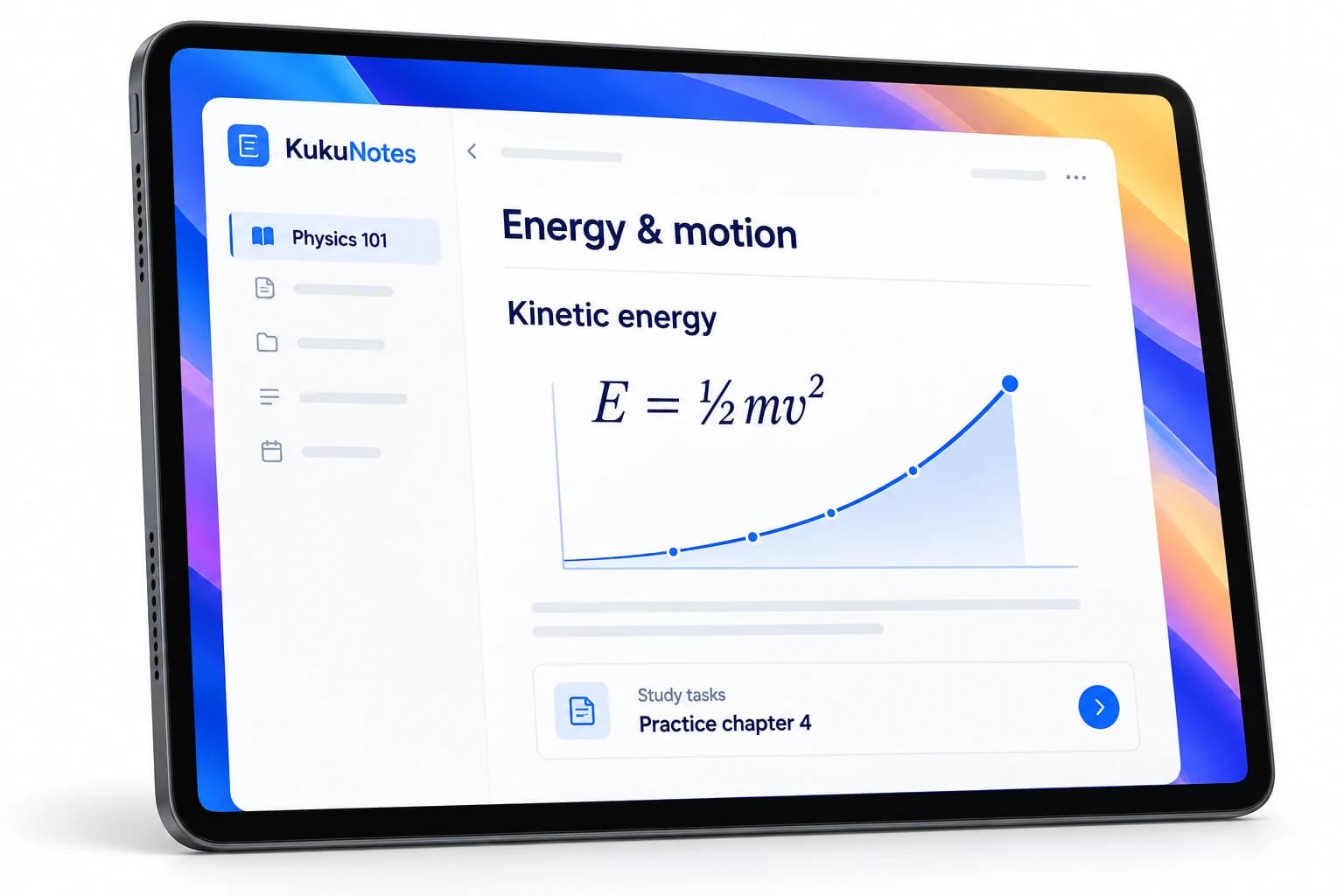
Record a lecture or study session when you have permission. KukuNotes turns it into a summary, key concepts, and study tasks, organized by subject.
FROM CLASS TO REVISION
Keep your attention on the lesson. After class, return to a concise summary and the concepts you need to understand, with assignments and deadlines alongside them.
 KukuNotesIllustrative preview
The class explored kinetic energy and how energy conservation helps explain motion.
Kinetic energy changes with the square of velocity.
View source · 04:12Practice the conservation problems
Explore the tabs · All content shown is an example
THE DETAIL IS STILL THERE
Search past lecture notes or follow a highlight back to the source moment. When a concept needs another pass, you have the context to revisit it.
Give every course its own Space for lectures, assignments, and exam dates. Ask KukuNotes questions grounded in that subject's recorded notes.
A SIMPLE WAY TO START
Create or open a Space for the course you are studying.
Check the class policy, then tap Start Listening on your device.
Read the summary, revisit key concepts, and check study tasks.
Search old notes or ask a question within the subject Space.
RECORD WITH PERMISSION
Check your institution's recording policy and ask your lecturer when needed. KukuNotes only uses the microphone while Start Listening is active.
How recording and privacy workListening is always opt-in
Share selected notes and tasks
No bot joins the conversation
The Android app does not record phone or dialer calls.A FEW MORE DETAILS
Recording permissions, study notes, and getting started.
Talk to the teamYes. Free includes 2 hours of notes recording and 10 hours of meeting recording, which covers several lectures a week for most students.
Policies differ between institutions. Check your college or coaching centre's rules and ask the lecturer when in doubt.
Yes. Notes are searchable within each subject Space, and Ask KukuNotes can answer questions using everything recorded in that Space.
START WITH KUKUNOTES
Free includes 10 hours of meeting recording and 2 hours of notes recording.