Client work · AI notes & meeting recording
Turn client calls into clear follow-ups.
Keep client context, objections, requests, and promised next steps in one place. Tap Start Listening to record on your device. No meeting bot joins the call.
Opt-in recording · No meeting bot
Before the call
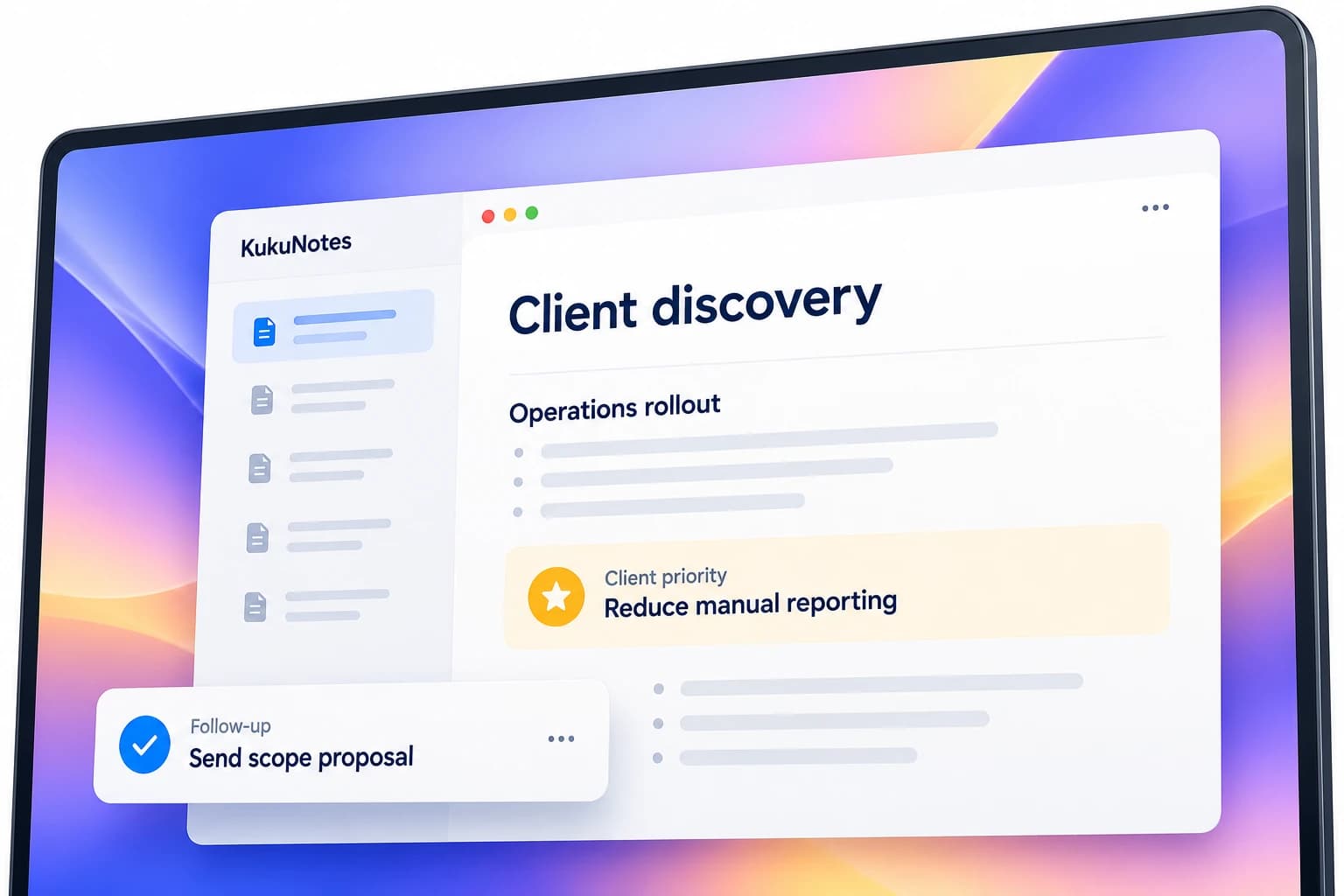
Open the Space for this client so the last conversation is still there.
Discovery, demos, and check-ins stay together.
Earlier notes remain with that account.
Listening begins only when you tap Start Listening.
During the call
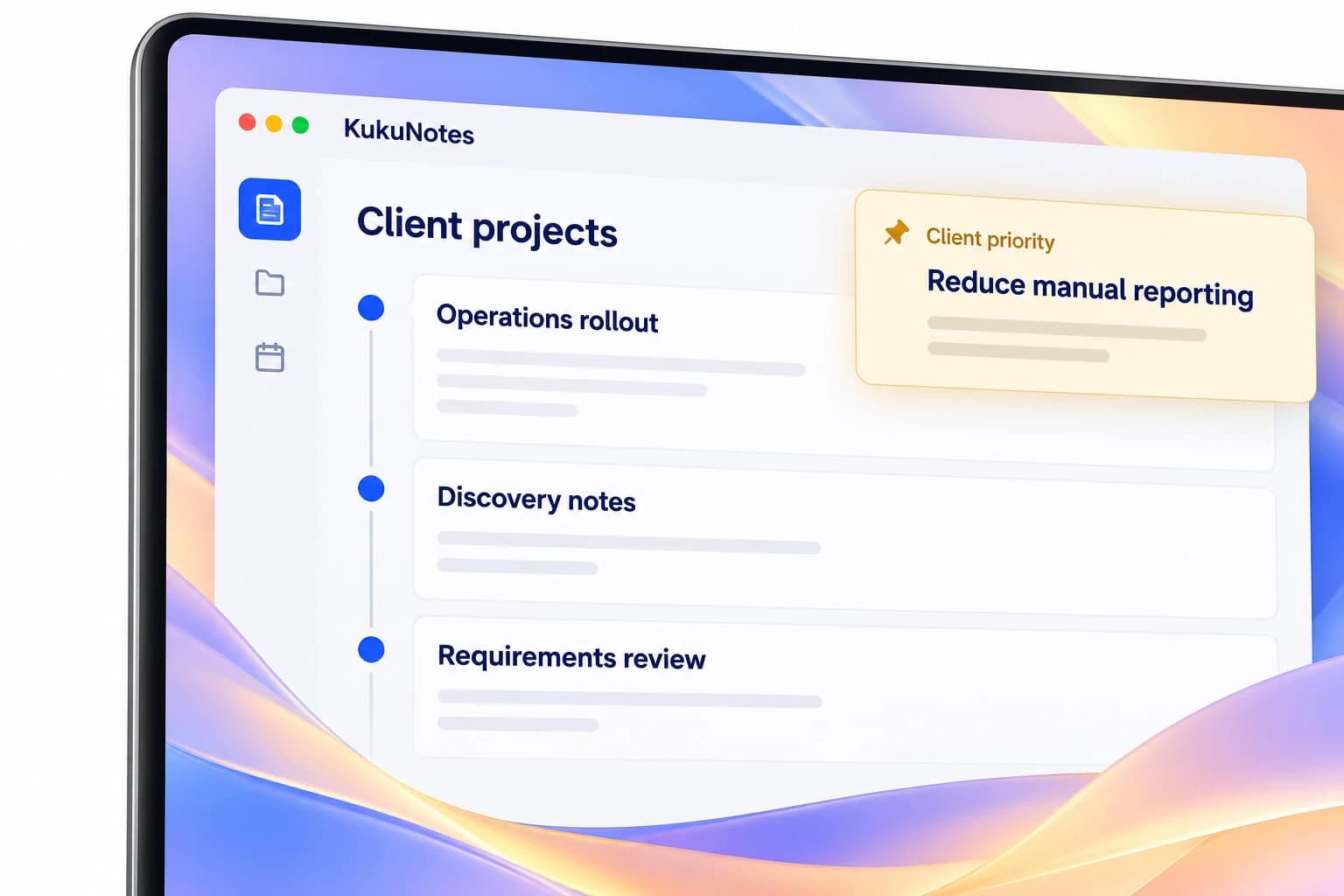
Stay in the conversation. KukuNotes does not join the meeting.
Recording begins only when you tap Start Listening on your own device.
KukuNotes never joins Zoom, Google Meet, or Teams.
The same languages are included on Free, Pro, and Business.
After the call
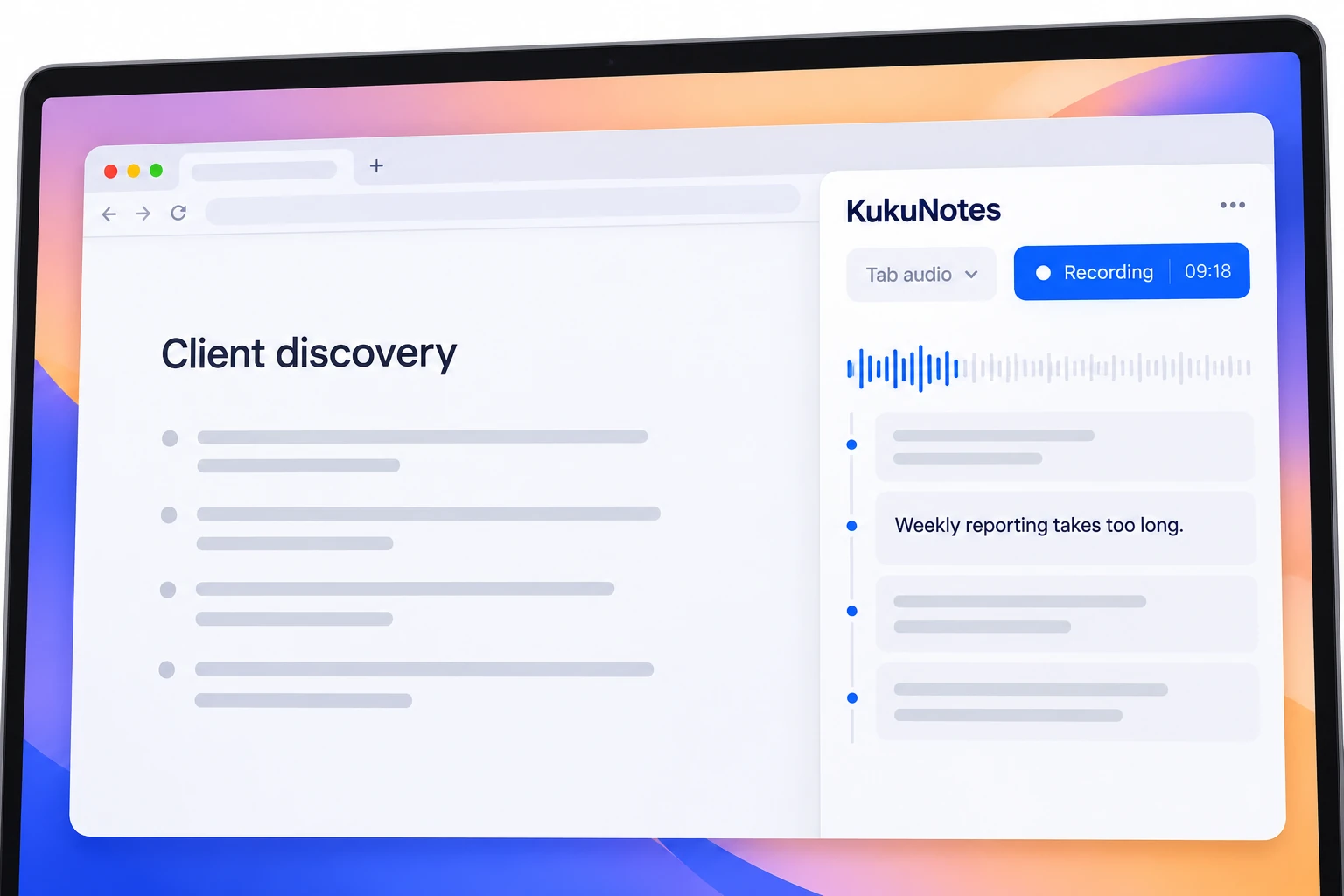
Leave with the request, the objection, and the promised follow-up.
Requests and objections stay searchable.
Commitments become tasks in that client Space.
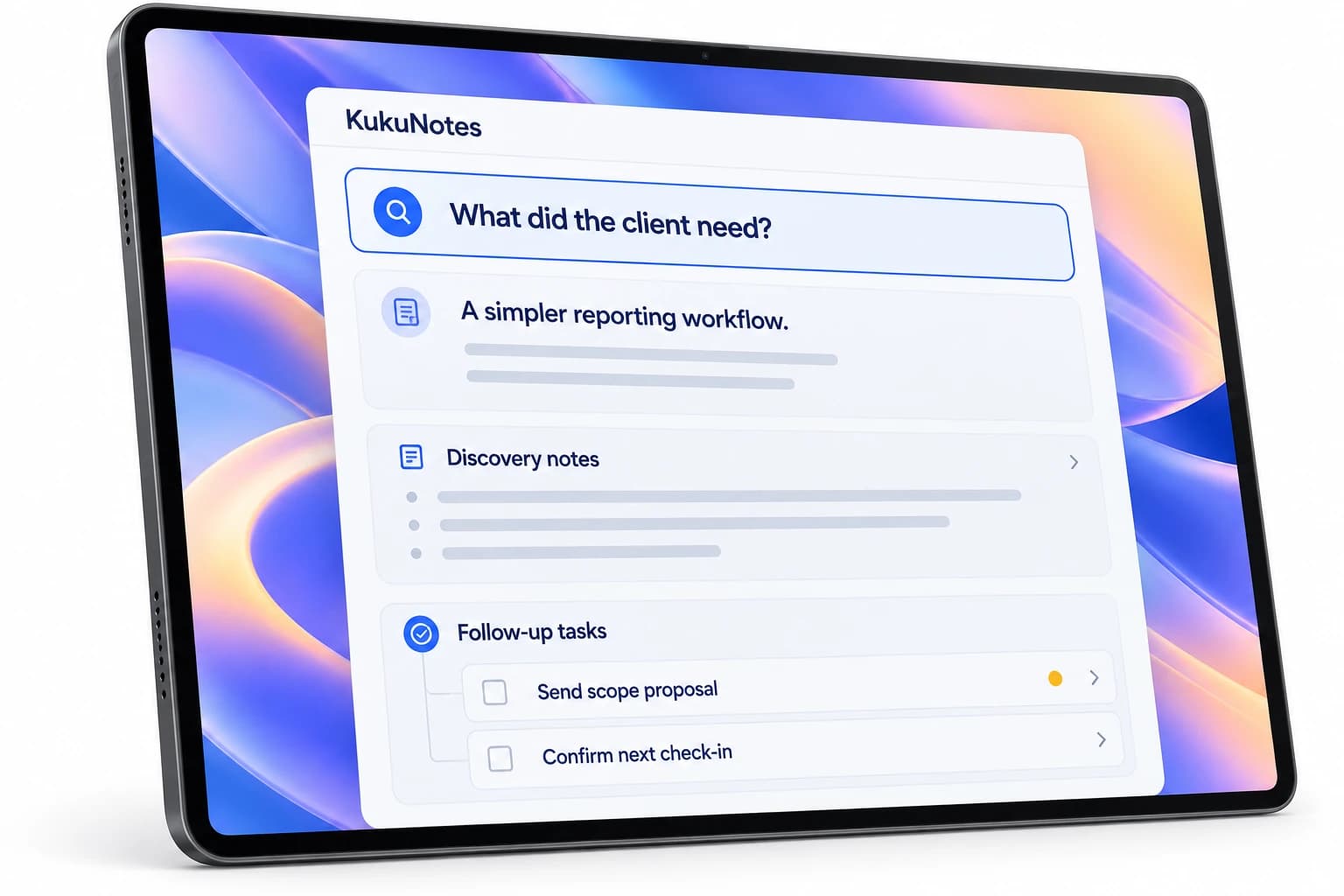
Ask KukuNotes what happened on the last call.
MADE FOR YOUR EVERYDAY
For the conversations around a client.
- Discovery callsNeeds and constraints stay with that account.
- DemosWhat they asked for is still there after the call.
- Check-insThe last promise is in the Space before you meet again.
YOUR CONVERSATION. YOUR CONTROL.
You choose when to record.
Listening starts only when you tap Start Listening. Capture from your device, without a bot joining the conversation.
How recording and privacy workRecording is always opt-in
No bot joins your meeting
Notes stay in the right Space
The Android app does not record phone or dialer calls.