LINKED TO THE SOURCE
Your notes, with the context attached.
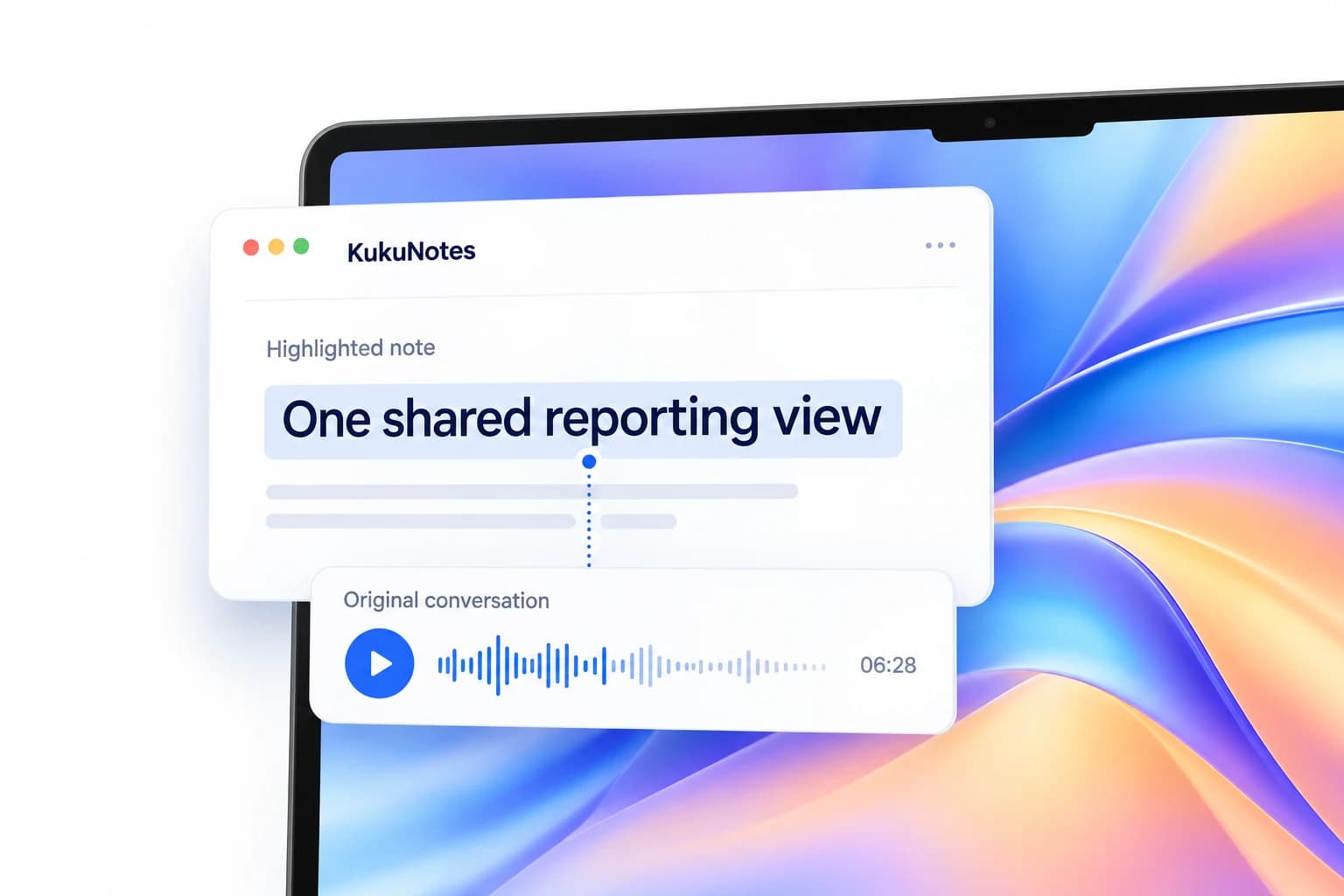
Each highlight includes a confidence score and a link to its source moment. Return to the original words when a detail needs a closer look.
AI NOTE TAKER
Stay with the conversation. Keep the important parts.
Turn the conversations you choose to record into structured notes, key decisions, and tasks. Keep everything in the right Space, ready to find when you need it.
MORE THAN A TRANSCRIPT
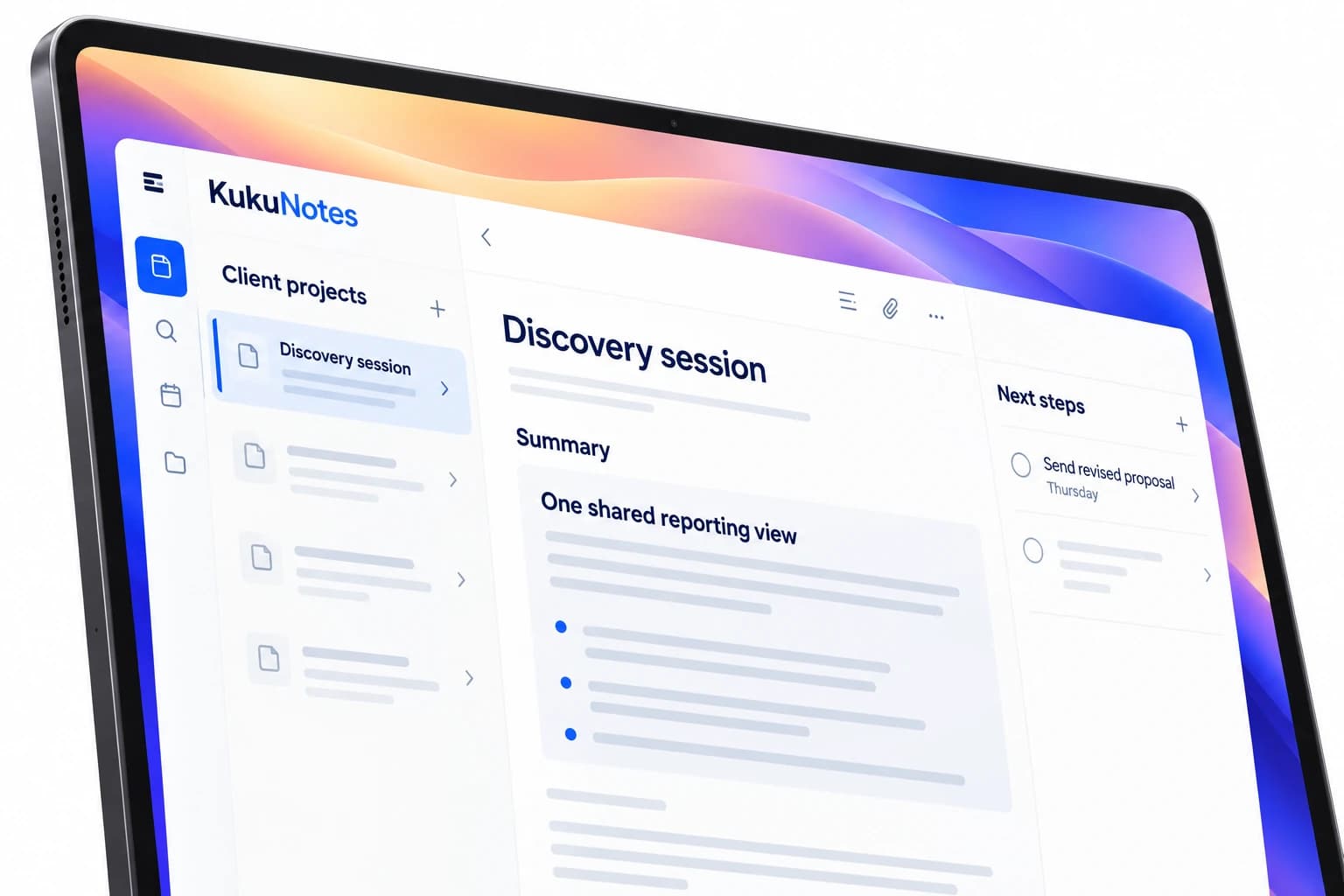
Start with a note you can scan: what was discussed, what was decided, and what needs to happen next. The original conversation stays connected when you need the detail.
 KukuNotesIllustrative preview
The client wants a simpler weekly reporting workflow, starting with a single view for the team.
Start with one shared reporting view.
View source · 04:12Send the revised proposal
Explore the tabs · All content shown is an example
THE DETAIL IS STILL THERE
Each highlight includes a confidence score and a link to its source moment. Return to the original words when a detail needs a closer look.
Create Spaces for clients, work, classes, or personal plans. Ask KukuNotes questions using the notes in that Space, without mixing unrelated projects.
A SIMPLE WAY TO START
Choose where this conversation belongs before you record.
Capture audio through your device, only when you choose.
Read the summary, check the highlights, and verify the source.
Follow up on tasks, share selected notes, or ask a question later.
RECORDING THAT YOU CONTROL
Start recording through your device when you are ready. No bot joins the meeting. Let participants know you are recording and follow the consent rules that apply to you.
How recording and privacy workListening is always opt-in
Share selected notes and tasks
No bot joins the conversation
The Android app does not record phone or dialer calls.A FEW MORE DETAILS
Recording, your notes, and getting started with KukuNotes.
Talk to the teamYes. Free includes 2 hours of notes recording, 10 hours of meeting recording, 10 mindmaps, 10 documents, and 2 goals. Pro is ₹499/month (₹3,600/year) and adds the daily briefing and goal monitor.
You can start a recording without a connection. KukuNotes processes the audio into notes and tasks once your phone is back online and syncs the results to your Spaces.
Accuracy depends on audio quality, but KukuNotes shows a confidence score on each highlight and links it to the source moment, so you can check anything important instead of trusting the summary blindly.
A voice recorder saves audio. An AI note taker like KukuNotes also transcribes it, summarizes it, pulls out decisions and action items, and files them in the right place so you can act on them later.
START WITH KUKUNOTES
Free includes 10 hours of meeting recording and 2 hours of notes recording.