Meetings · AI notes & meeting recording
Planning calls become decisions and next actions.
Turn planning calls into decisions, owners, priorities, and next actions. Tap Start Listening to record on your device. No meeting bot joins the call.
Opt-in recording · No meeting bot
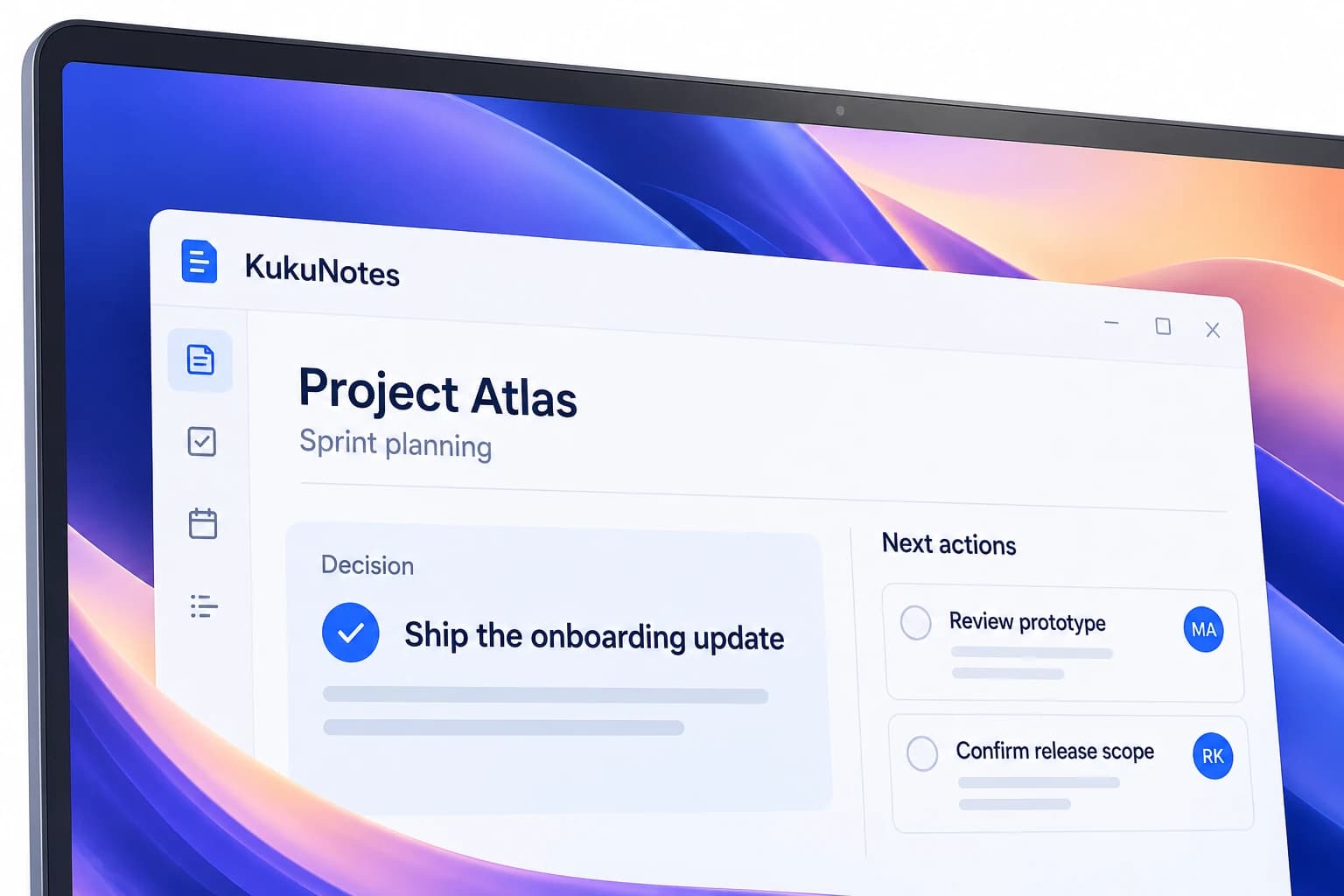
Before the meeting
Open the Space for this product, client, or team thread.
Reviews, syncs, and prep stay out of each other's notes.
Earlier notes remain tied to that project.
Nothing records until you tap Start Listening.
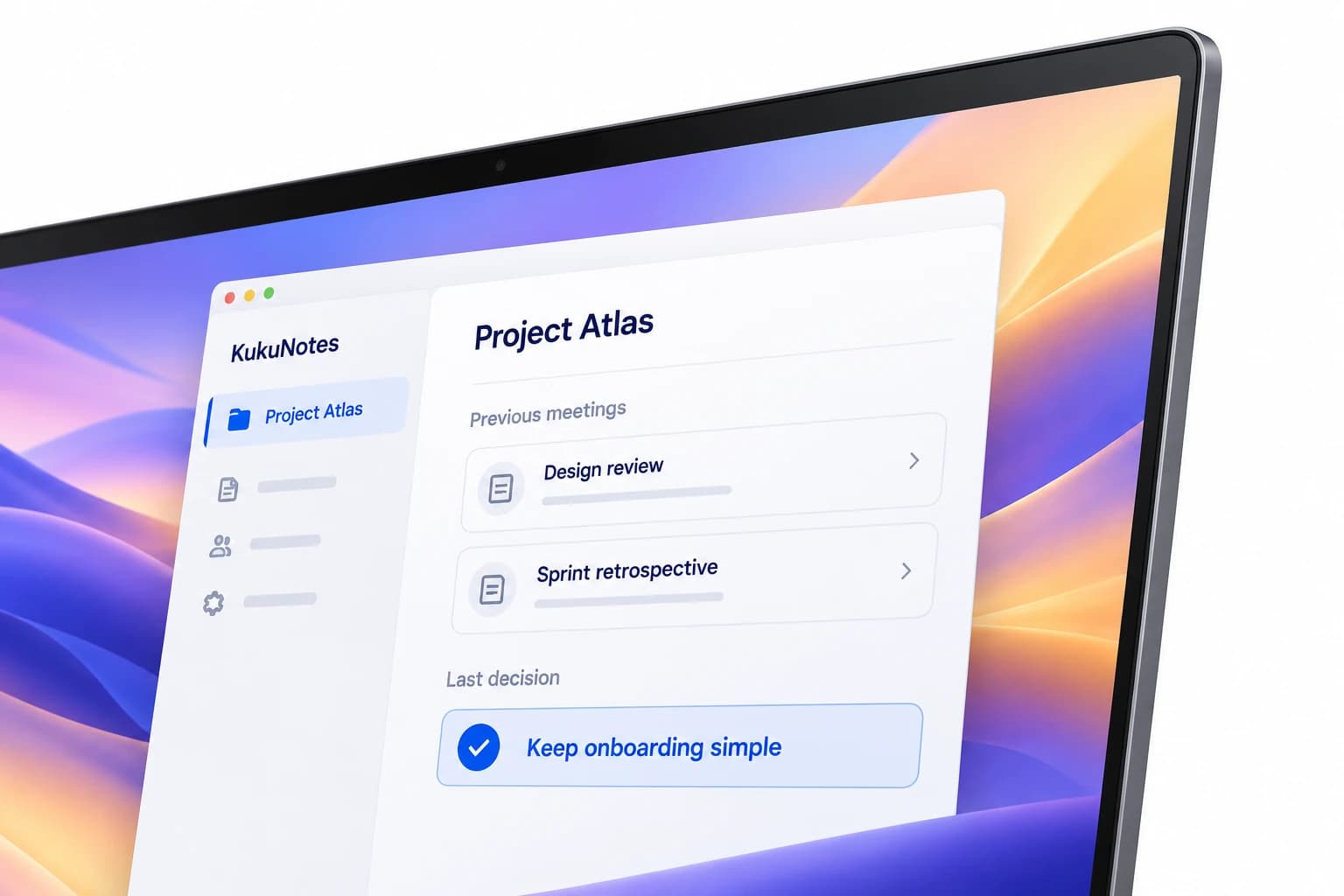
During the meeting
Record on the device already in the room.
Recording begins only when you tap Start Listening on your own device.
KukuNotes never joins Zoom, Google Meet, or Teams.
The same languages are included on Free, Pro, and Business.
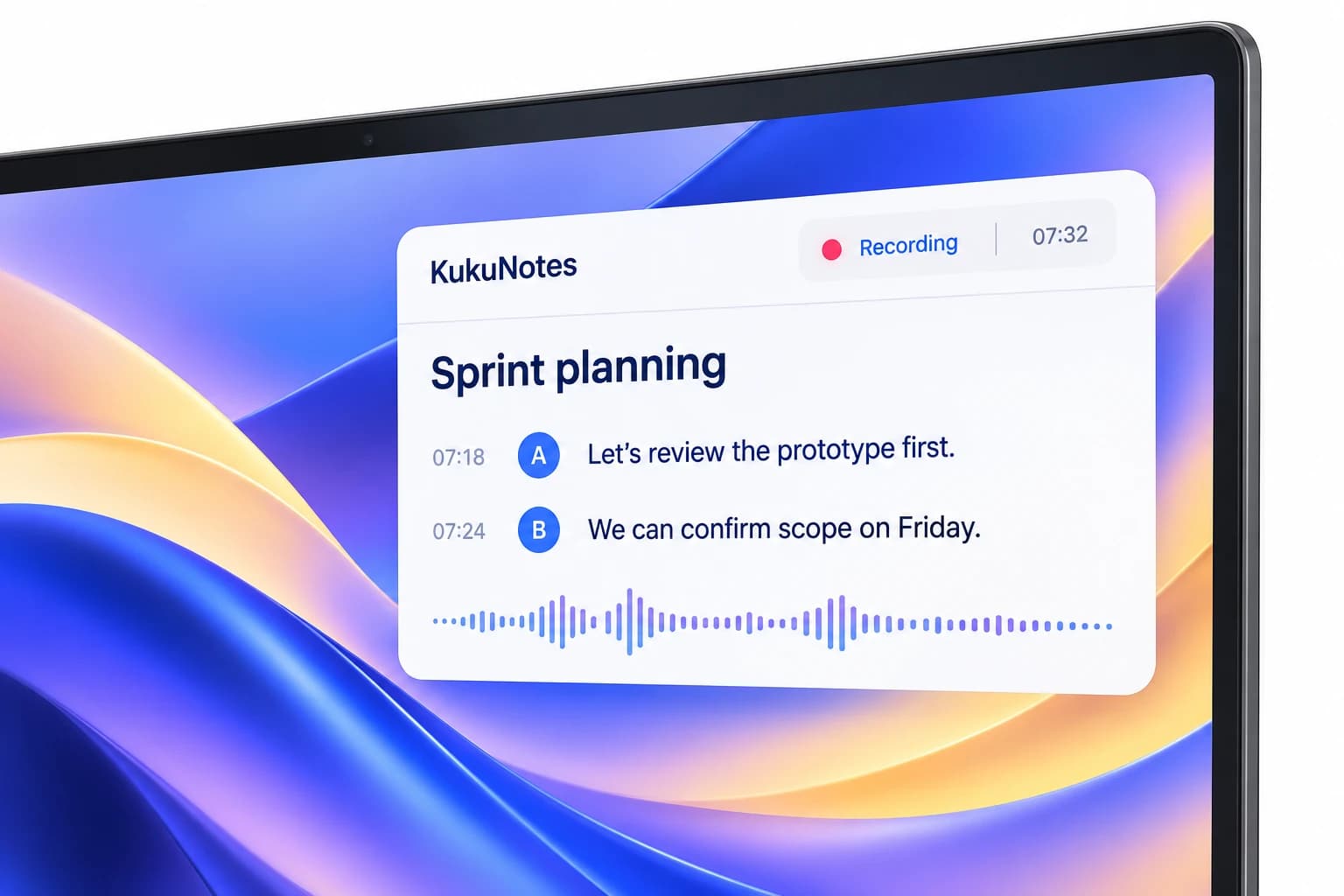
After the meeting
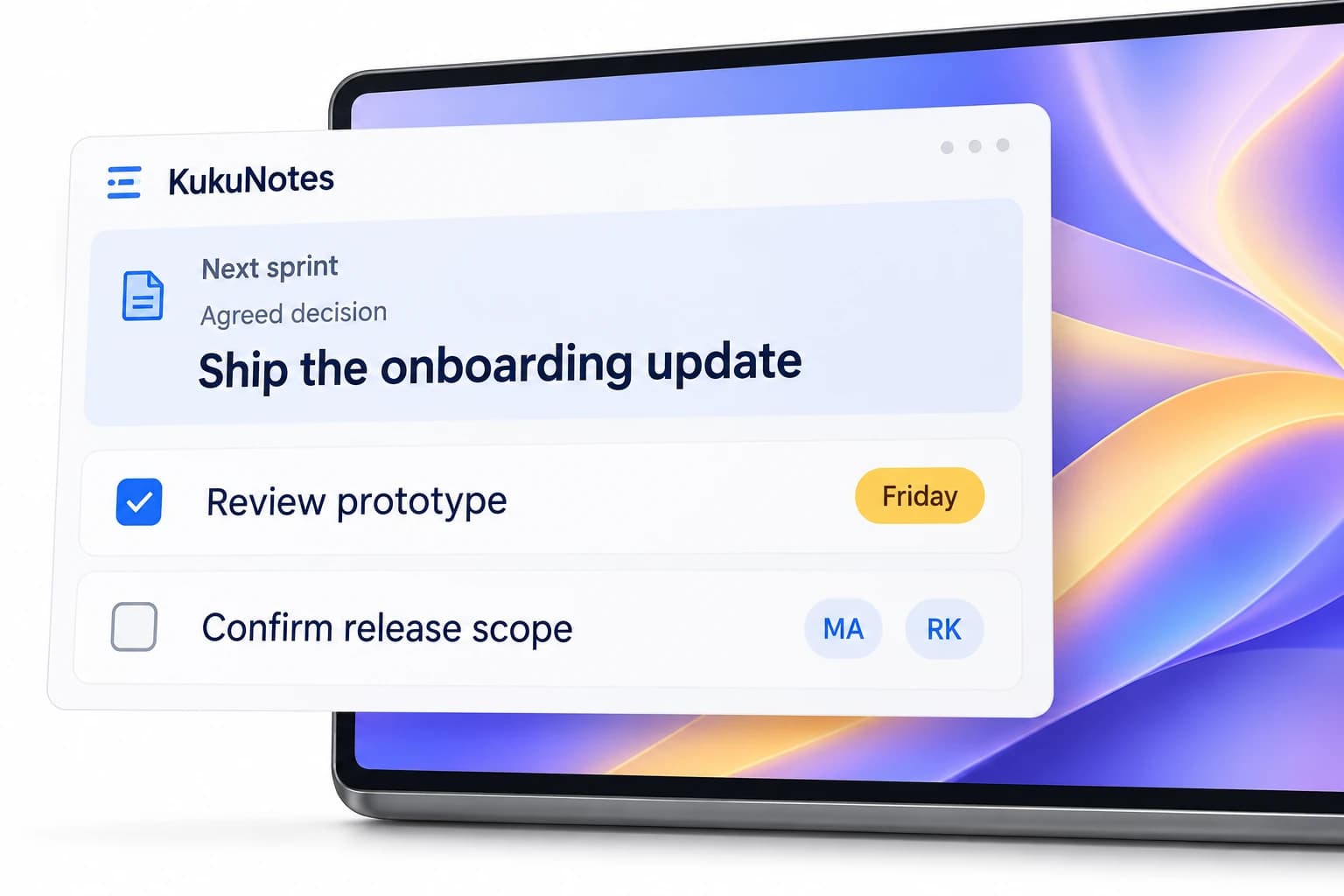
Leave with owners, priorities, and the next action.
The useful parts of the call become notes.
Commitments become tasks in that Space.
Ask KukuNotes before the next sync.
MADE FOR YOUR EVERYDAY
For the meetings a team already has.
- Product reviewsDecisions stay with the project, not in a chat thread.
- Daily syncsOwners and priorities are easier to find afterward.
- Investor prepThe last conversation is still in the Space.
YOUR CONVERSATION. YOUR CONTROL.
You choose when to record.
Listening starts only when you tap Start Listening. Capture from your device, without a bot joining the conversation.
How recording and privacy workRecording is always opt-in
No bot joins your meeting
Notes stay in the right Space
The Android app does not record phone or dialer calls.