LINKED TO THE SOURCE
Go back to what was actually said.
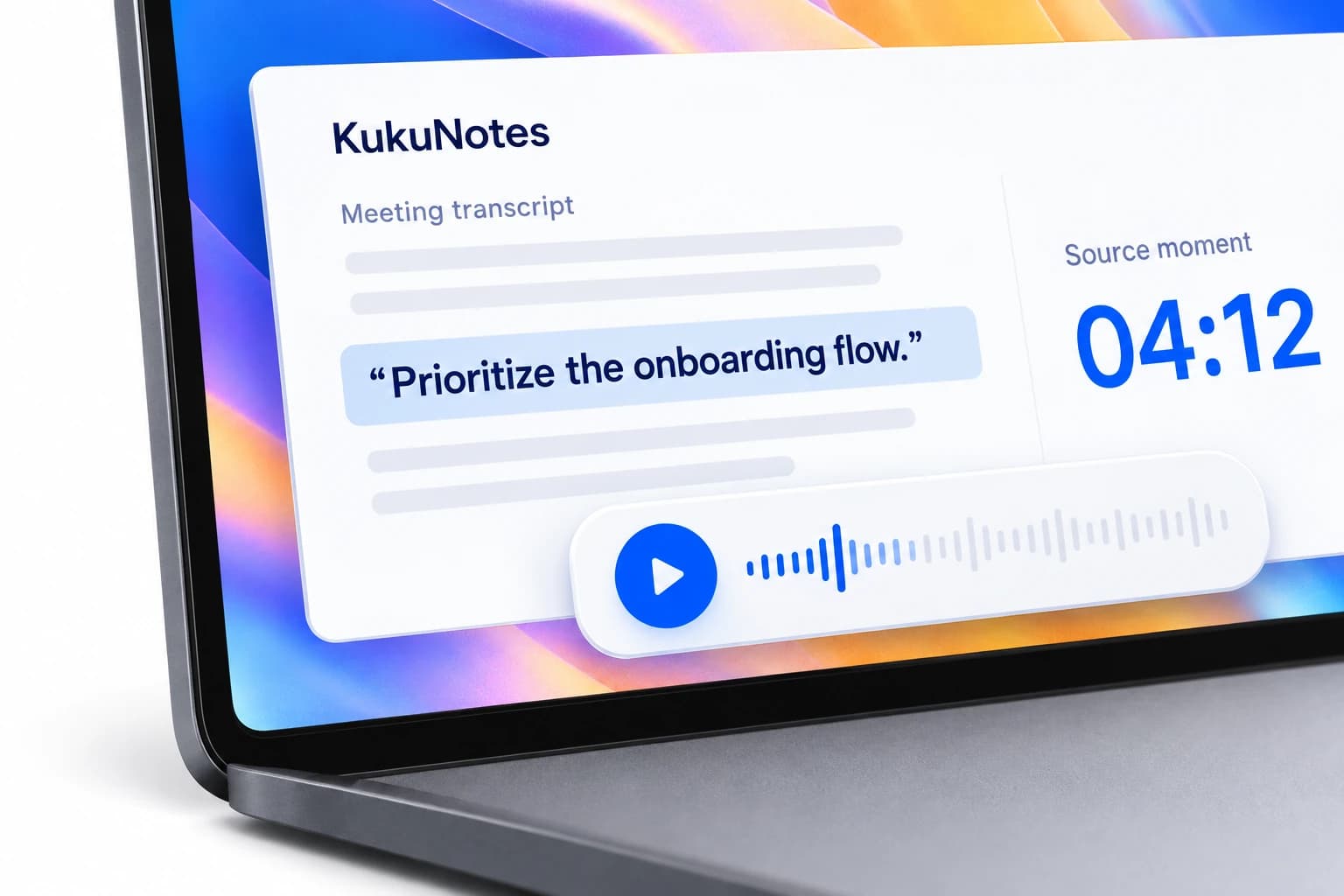
Highlights link to the source moment and include confidence scores. Check the context before you share a decision or act on a follow-up.
AI MEETING RECORDER
Be in the conversation. Leave with the next steps.
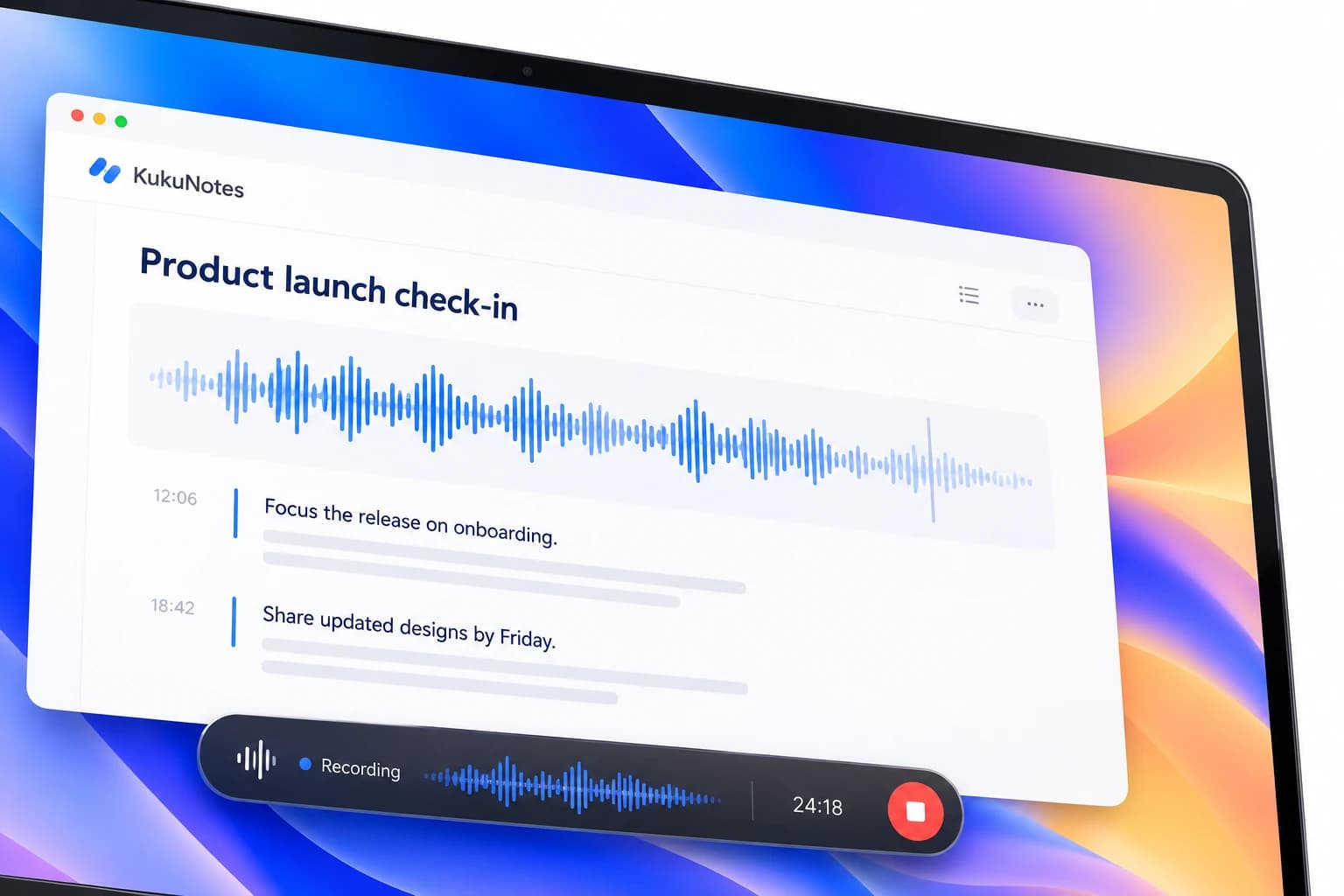
Record the meetings you choose, from your own device. KukuNotes turns the conversation into a summary, decisions, and action items in the right project Space.
AFTER THE MEETING
A recording is the starting point. KukuNotes separates the summary, key decisions, and follow-ups so you can revisit what matters before the next meeting.
 KukuNotesIllustrative preview
The team reviewed launch priorities and agreed to focus the next release on onboarding.
Prioritize the onboarding flow for the next release.
View source · 04:12Share updated onboarding designs
Explore the tabs · All content shown is an example
THE DETAIL IS STILL THERE
Highlights link to the source moment and include confidence scores. Check the context before you share a decision or act on a follow-up.
Keep a team's notes and tasks together in a Space. Before the next check-in, ask KukuNotes what was agreed last time.
A SIMPLE WAY TO START
Open the project or client Space this meeting belongs to.
Turn on recording from your device when you are ready.
Read the summary, verify decisions, and check the action items.
Share selected notes and return to the context before your next meeting.
RECORDING THAT YOU CONTROL
Start recording through your device when you are ready. No bot joins the meeting. Let participants know you are recording and follow the consent rules that apply to you.
How recording and privacy workListening is always opt-in
Share selected notes and tasks
No bot joins the conversation
The Android app does not record phone or dialer calls.A FEW MORE DETAILS
Recording, your notes, and getting started with KukuNotes.
Talk to the teamNo. KukuNotes never joins your calls. It records through your phone's microphone while Start Listening is active, so it works for online, hybrid, and in-person meetings alike.
Free includes 2 hours of notes recording and 10 hours of meeting recording. Pro is ₹499/month (₹3,600/year). Business is ₹999/month (₹7,200/year).
Recording laws vary by country and state. KukuNotes is opt-in by design, and we recommend telling participants you are recording and following local consent rules.
Yes. You can share selected notes and tasks from a Space instead of exposing the whole recording, which keeps sensitive parts of a meeting private.
START WITH KUKUNOTES
Free includes 10 hours of meeting recording and 2 hours of notes recording.