Creators · AI notes & meeting recording
Turn interviews into stories worth sharing.
Interviews and brainstorms become themes, quotes to revisit, and production tasks. Tap Start Listening to record on your device. No meeting bot joins the call.
Opt-in recording · No meeting bot
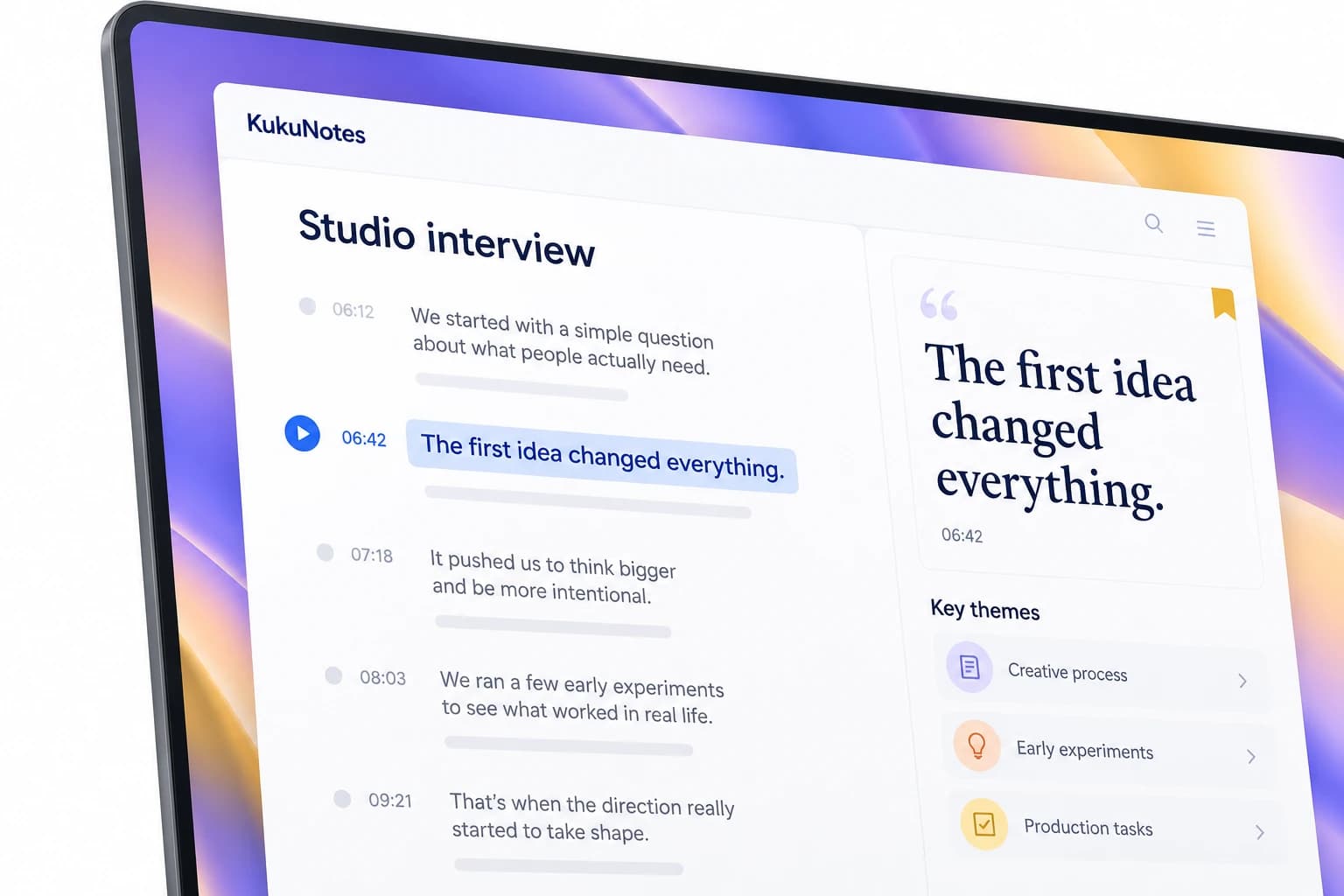
Before the session
Open the Space for this interview, episode, or draft.
Research, interviews, and drafts stay together.
Earlier conversations remain with that project.
Listening begins only when you tap Start Listening.
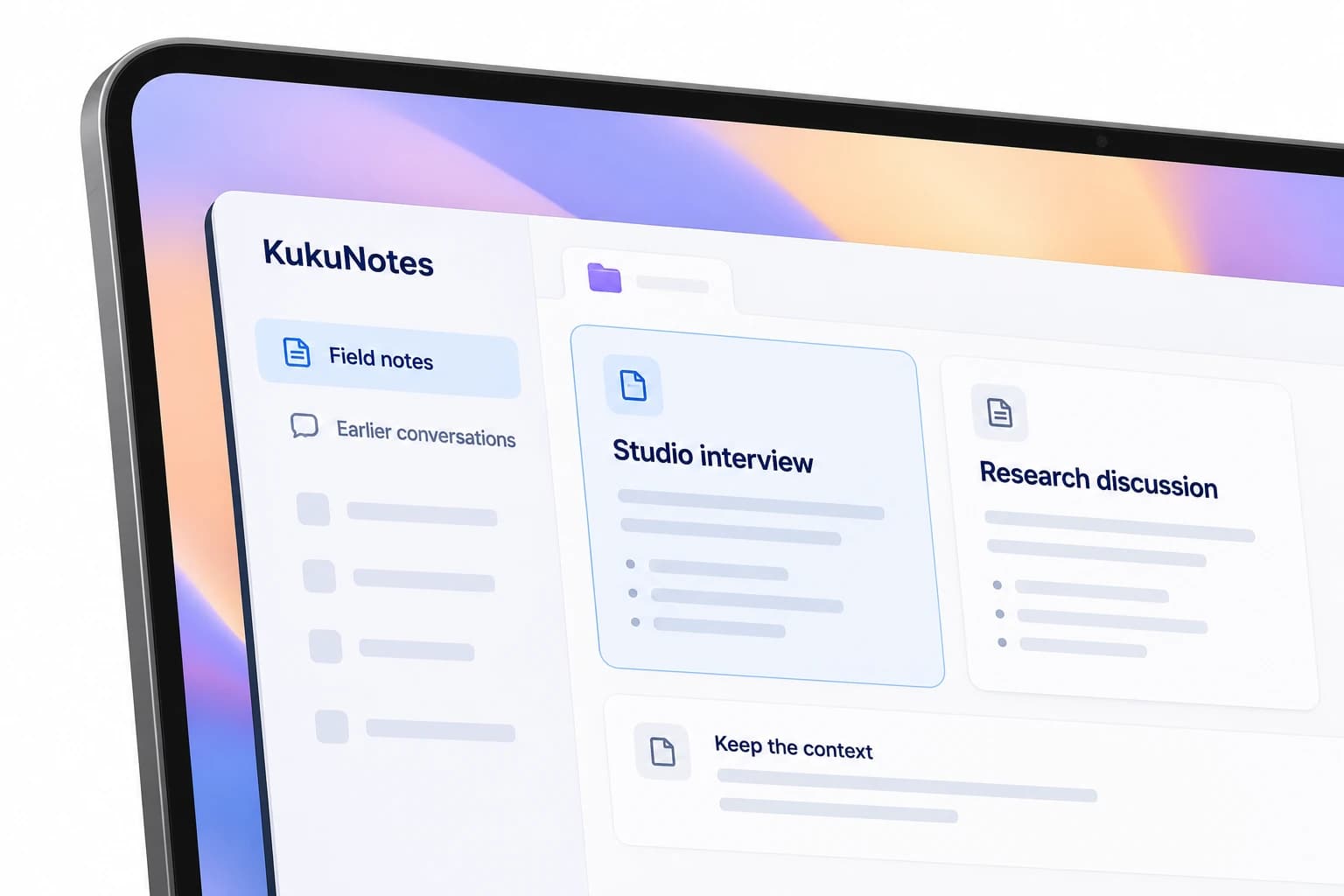
During the session
Capture the conversation through your own device.
Recording begins only when you tap Start Listening on your own device.
KukuNotes never joins Zoom, Google Meet, or Teams.
The same languages are included on Free, Pro, and Business.
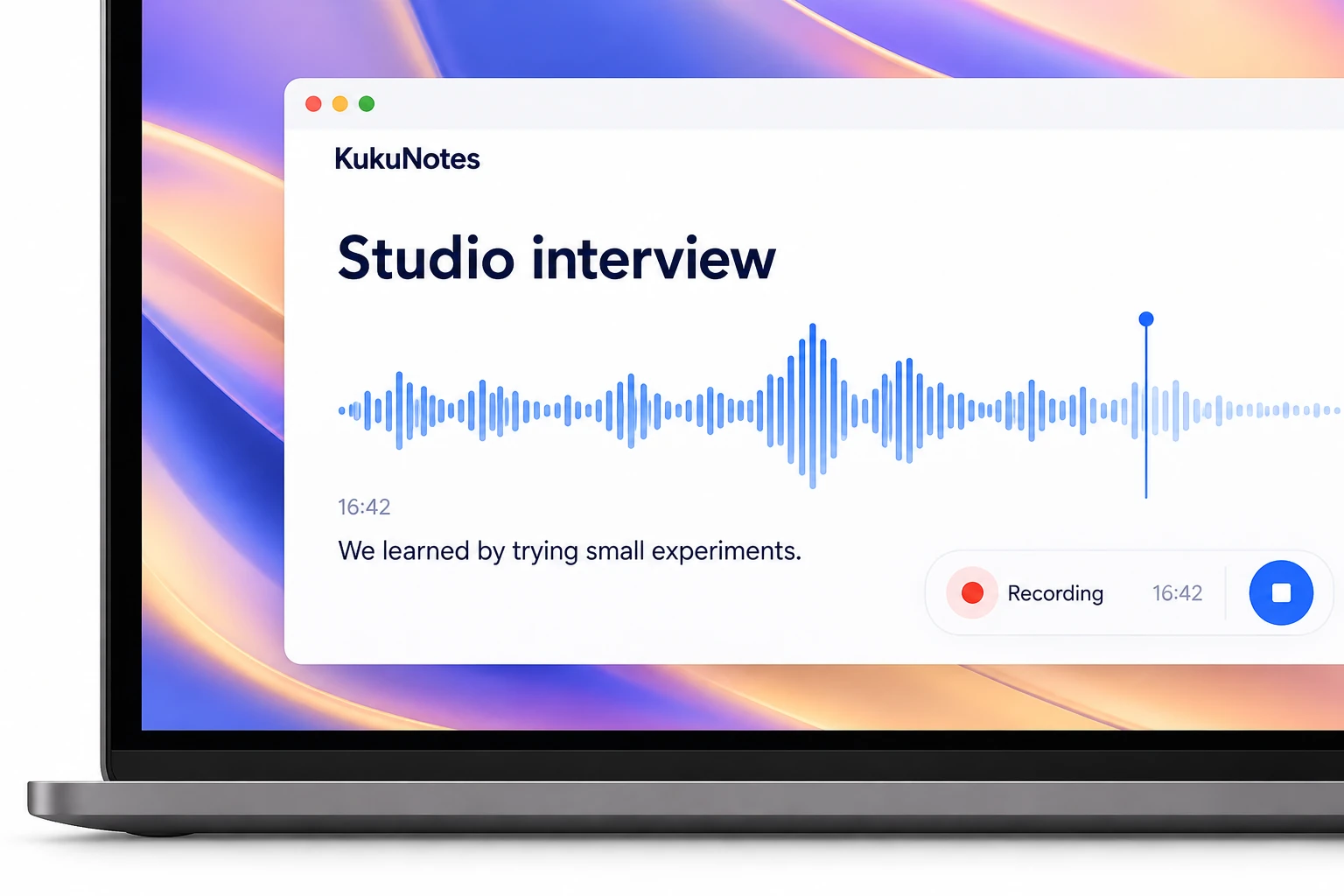
After the session
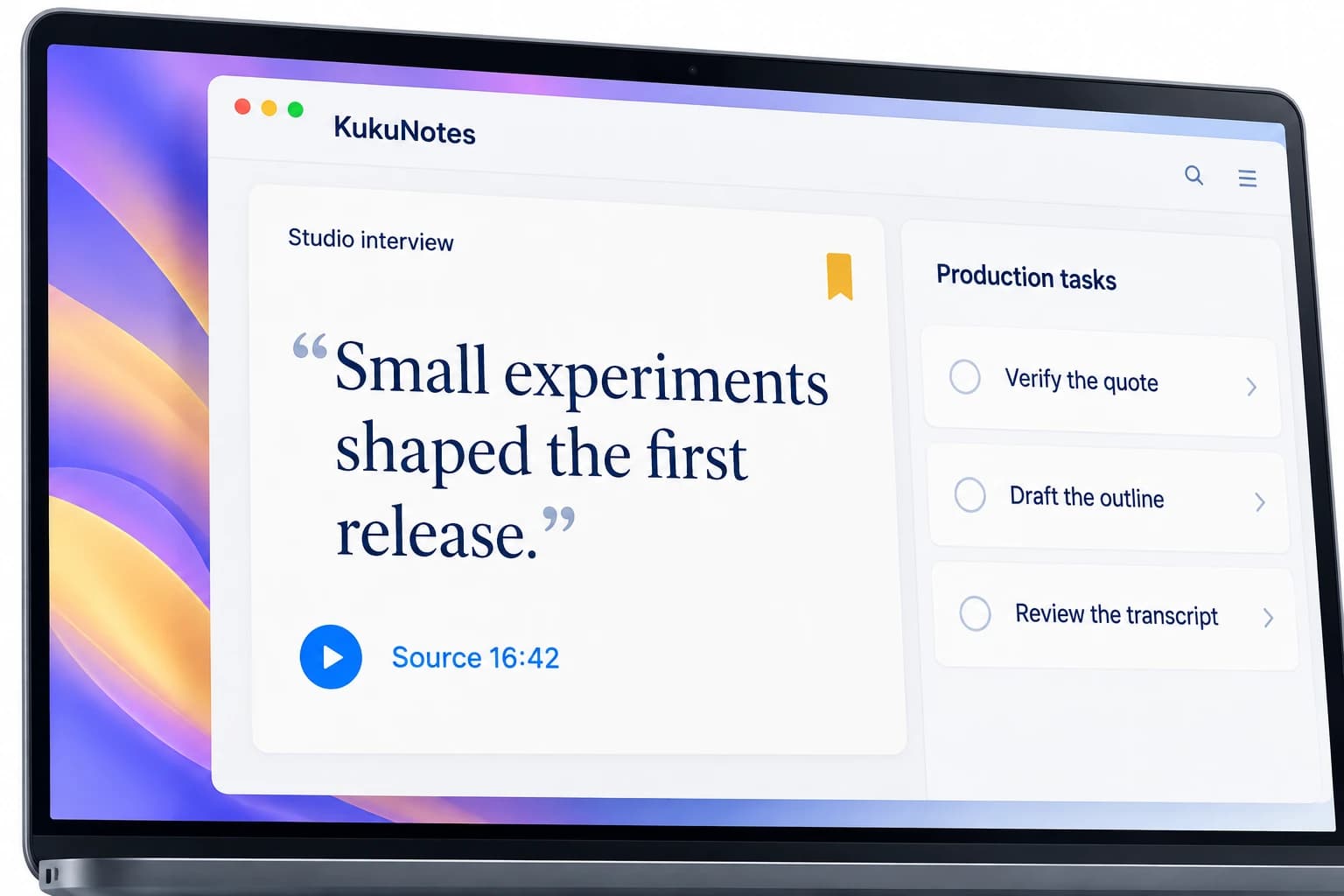
Themes, quotes, and production tasks stay connected.
The raw conversation stays attached to the notes.
What to cut, write, or publish becomes a task.
Ask KukuNotes what is still missing.
MADE FOR YOUR EVERYDAY
For work that starts as a conversation.
- InterviewsThe conversation stays searchable after you stop recording.
- BrainstormsIdeas do not stay trapped in a voice memo.
- ResearchSource notes stay in the Space for that piece.
YOUR CONVERSATION. YOUR CONTROL.
You choose when to record.
Listening starts only when you tap Start Listening. Capture from your device, without a bot joining the conversation.
How recording and privacy workRecording is always opt-in
No bot joins your meeting
Notes stay in the right Space
The Android app does not record phone or dialer calls.