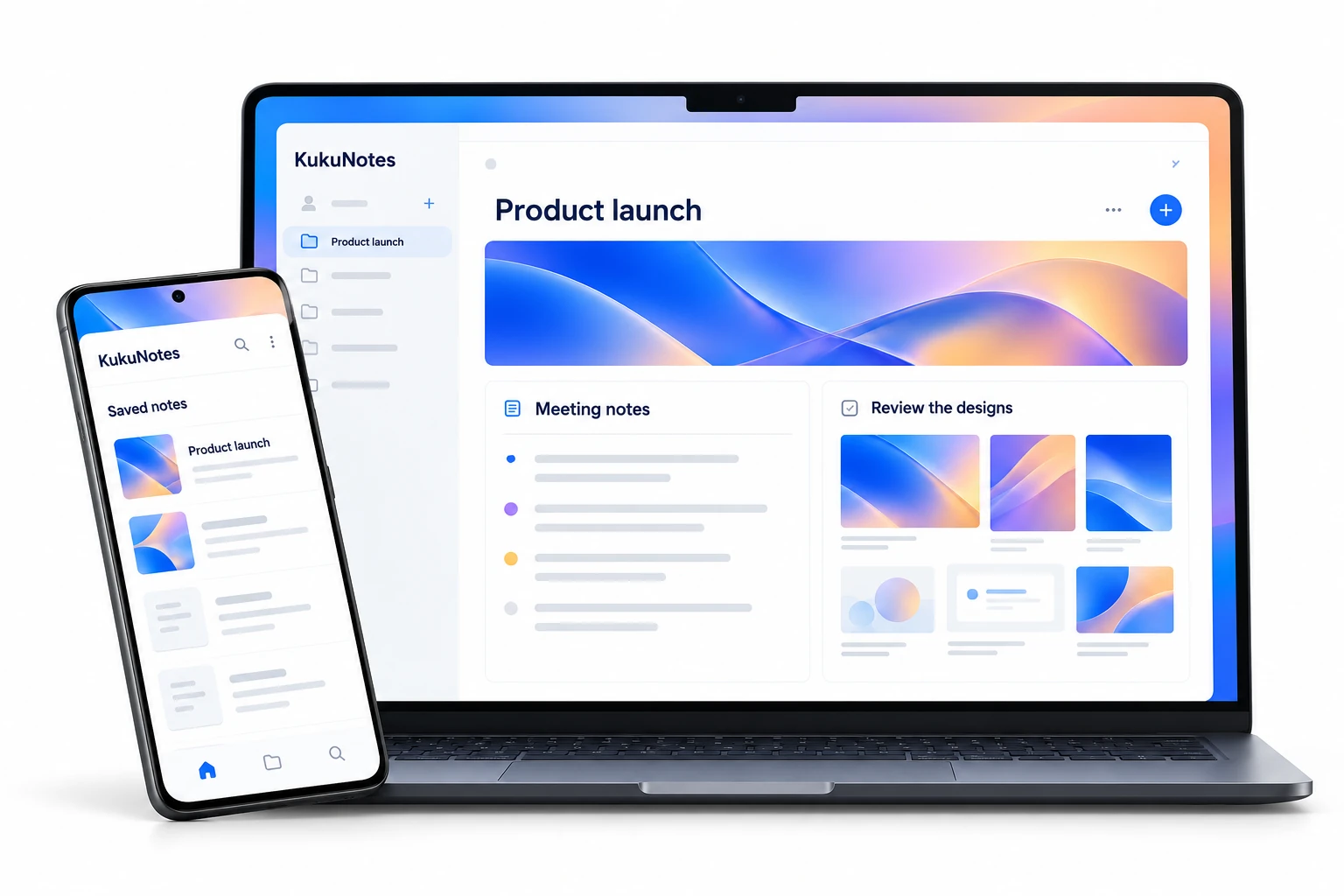
Choose a capture app for your device or open the web workspace to review and organize your notes.
Four ways to use KukuNotes. One connected account.
NATIVE APP
KukuNotes for Android
Record meetings, classes, and in-person conversations through your phone when you choose. Return to structured notes, decisions, and tasks in the right Space.
Microphone capture only when you choose
AI summaries and follow-up tasks
Spaces for projects, subjects, and clients
Android 9.0 or higher · Official app on Google Play
Record Google Meet, Zoom Web, and Teams Web from your browser tab. Get a summary, decisions, and action items in your Space, without inviting a meeting bot.
Open your Spaces, review meeting notes, work through tasks, and ask KukuNotes a question. The web workspace connects what you capture on Android, Windows, and Chrome.
How does KukuNotes capture audio without inviting a meeting bot?
Unlike traditional AI note-takers that send bot attendees into your calls, KukuNotes operates as a native companion on your device or browser. It captures incoming audio directly from your audio device or browser tab with your permission, keeping your meetings natural and private.
Do I need separate accounts for mobile, desktop, and Chrome?
No. A single KukuNotes account works across all platforms. Any meeting recorded on Chrome or Desktop is immediately synchronized to your Android app and Web workspace.
Can I use KukuNotes offline?
Yes. KukuNotes' mobile and desktop apps can record audio offline. As soon as your device reconnects to the internet, KukuNotes processes the transcript, generates notes and tasks, and syncs everything across your spaces.
What permissions does KukuNotes require?
KukuNotes only requests access to microphone/audio capture strictly when you tap Start Listening. We never access your contacts, private files, or location, and microphone access is entirely opt-in.
READY WHEN YOU ARE
Your next conversation, ready to remember.
Choose your app and start with the context you want to keep.